How To Hook Up Cable Tv At RV Park – Do It Right
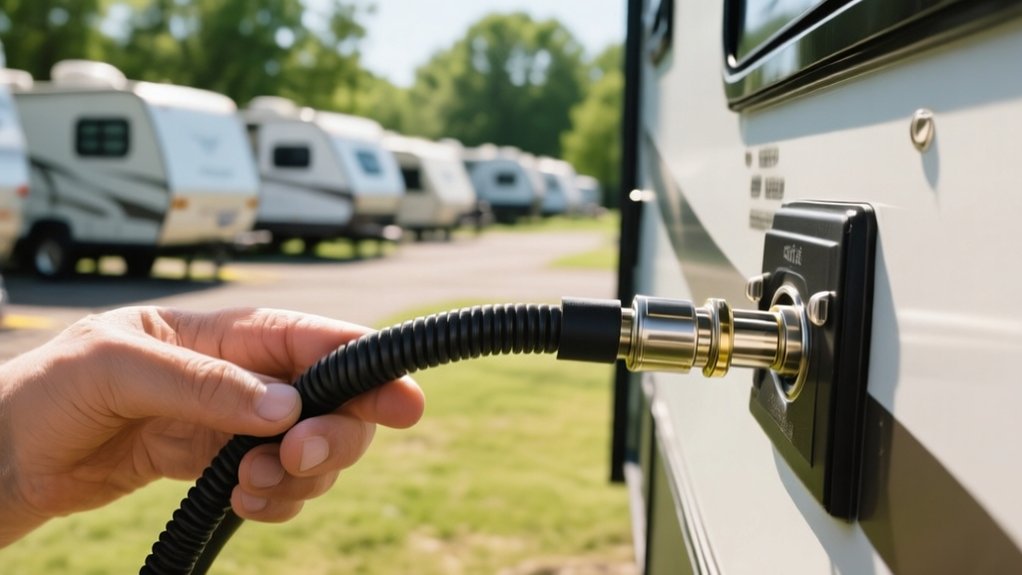
To hook up cable TV at an RV park right, first locate and test the park’s coaxial cable connection. Make sure it’s secure and free of any damage.
Next, set your TV input to “Cable” or “CATV” mode and disable any antenna boosters nearby. Then run a full channel scan to see what channels come through.
If the signal is digital or encrypted, you’ll need a compatible cable box between the coax and your TV. Tighten all connections and replace any faulty cables you find.
If reception is still poor, consider alternative options. Keep exploring to optimize your TV setup seamlessly.
Identify the Right Cable Connection at the RV Park
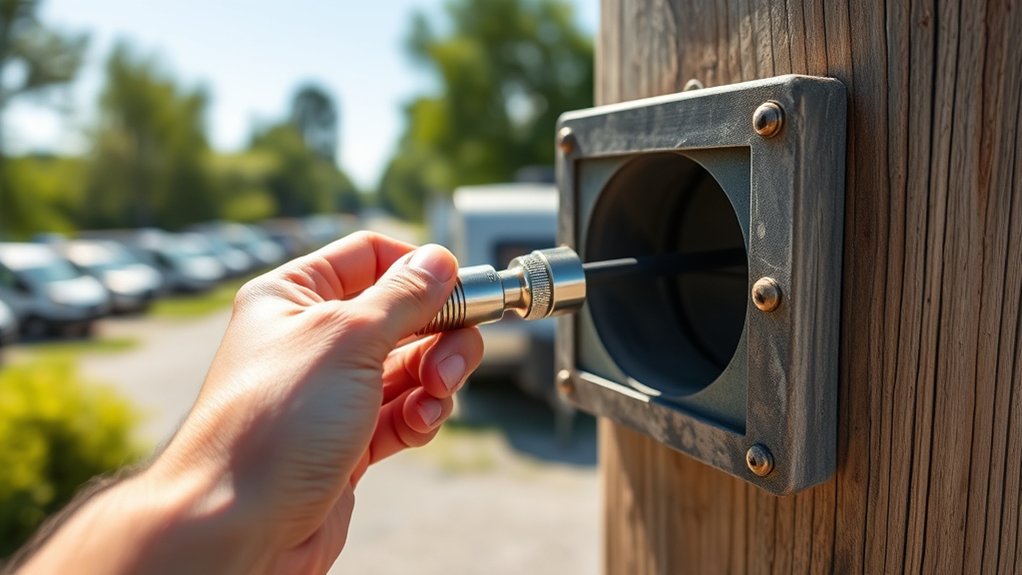
Before connecting your TV, you need to locate the port labeled “Cable/Satellite” on the RV park’s external connection panel. This panel usually features dual coaxial connections.
Check for a side port labeled “Cable Hookup” and ask the park staff whether it serves as an input or output. It’s important to get this right because misidentifying the port can disrupt your signal.
You should test the coaxial connection at the pedestal or external box with a multimeter or a compatible device to make sure it’s active.
Also, look around for splitters or switches nearby that might influence the signal flow to your RV. These can sometimes degrade or redirect the signal.
Finally, find out if the park requires a rental cable box or a special adapter for digital signals before you plug your TV in. This can help you avoid connection issues and get everything working smoothly.
Set Your TV Input to Cable and Scan for Channels
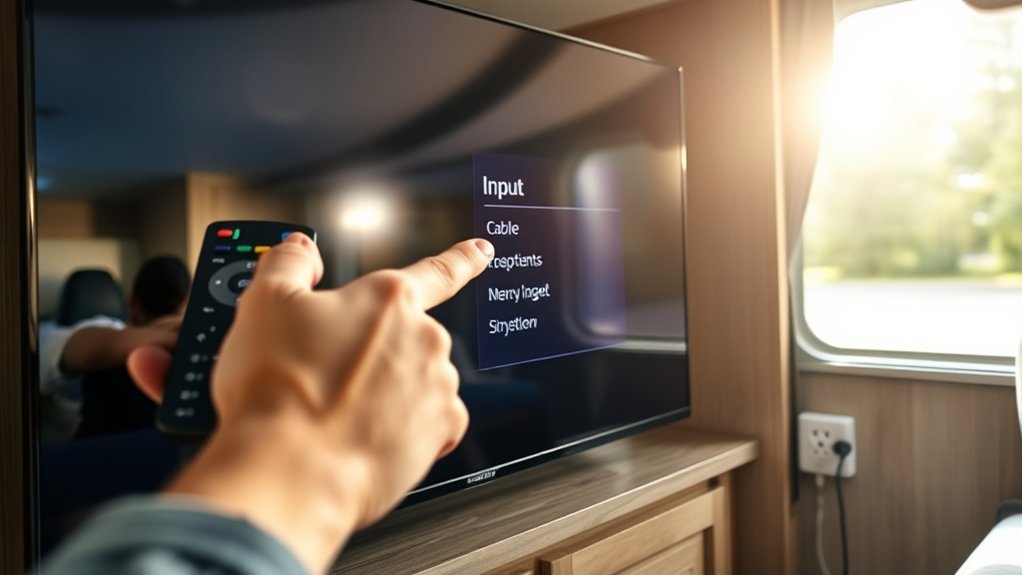
Once you’ve confirmed the correct cable connection and verified the signal is active, the next step is to set your TV’s input to “Cable” or “CATV” mode. This setting lets the TV identify and tune into the campground’s coaxial cable signals effectively.
After confirming the cable connection and signal, set your TV input to “Cable” or “CATV” to receive campground signals.
After switching inputs, perform an auto channel scan to detect all available cable channels and update your TV’s channel list.
Follow these steps to complete the process:
- Access your TV’s menu settings and select the input source as “Cable” or “CATV.”
- Initiate the auto channel scan function to let the TV search for active cable channels.
- Once scanning finishes, review the detected channels to confirm proper reception.
This makes sure your TV is correctly set up to receive cable service at the RV park.
Turn Off Antenna Boosters Before Cable Scanning
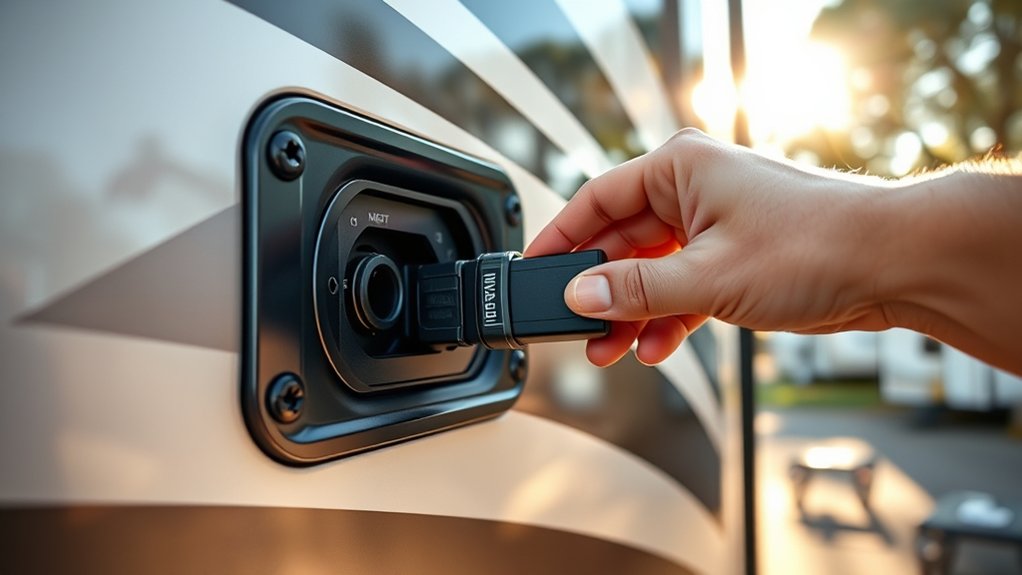
Although antenna boosters enhance over-the-air signals, you need to turn them off before scanning for cable channels to avoid signal interference. An active antenna amplifier can overload your TV tuner during cable scans, causing distorted or blocked cable reception.
Most TV manuals recommend disabling this booster to guarantee accurate channel detection.
To do this, locate the switch or button near the antenna amplifier. Then confirm the LED indicator is off before starting the scan.
If you don’t disable the booster, your TV might misinterpret or ignore cable signals, leading to incomplete or failed channel searches.
Turning off the antenna booster guarantees your TV receives a clean cable signal.
This way, you’ll get a successful and accurate channel scan at your RV park setup.
Use a Cable Box When Digital or Encrypted Signals Are Required
If you need to watch digital or encrypted channels, you’ll have to use a cable box. You can either get one from the park or bring a compatible device with you.
Just connect the cable box to your RV’s coaxial input, then link its HDMI or composite output to your TV.
Once everything is hooked up, make sure to configure the box properly. That way, it can decode the signal and give you access to all the channels available.
When Cable Boxes Are Needed
If your RV park delivers digital or encrypted cable signals, you’ll need a cable box to decode the channels properly. Without it, your TV may show limited or scrambled content because most built-in tuners can’t process encrypted or digital signals directly. A cable box guarantees full access and compatibility with the park’s system.
Here’s when you need a cable box:
- The park supplies digital or encrypted signals requiring decoding.
- The cable system mandates authentication or uses managed services.
- You want access to premium or pay-per-view channels included in the package.
Using a cable box aligns your setup with the park’s digital infrastructure. This lets you enjoy the entire channel lineup without any reception issues caused by encryption or signal format. It’s really the best way to make sure you don’t miss out on anything.
Obtaining Equipment From Park
Since many RV parks use digital or encrypted cable signals, you’ll often need to get a compatible cable box from the park to access the full channel lineup. It’s a good idea to request the box at the park office or rental service before you set up.
The box usually connects between the park’s coax outlet and your TV. You’ll need a remote and there’s typically an activation process to get it working. Some parks charge about $30 a month to rent the box.
| Item | Purpose | Notes |
|---|---|---|
| Cable Box | Decodes digital/encrypted signals | Required for full channels |
| Remote Control | Operates cable box | Must be paired with the box |
| Coax Cable | Connects box to park outlet & TV | Use provided or bring your own |
| Activation Info | Required to enable service | Get from park office |
| Rental Fee | Monthly cost | Typically around $30 |
Connecting And Configuring Box
Although digital or encrypted cable signals require a compatible cable box, you can easily connect and configure the device by linking the park’s coaxial outlet to the box’s input port.
Then, connect the box’s output to your TV using either HDMI or coax.
Power on the box and follow the on-screen setup instructions. Make sure to enter any necessary account or activation details.
Once setup is complete, perform a channel scan on your TV to make sure all available channels are detected.
To complete the process:
- Verify the cable box supports the park’s signal type (digital/encrypted).
- Use quality coaxial and HDMI cables for stable connections.
- Contact park management if activation or a compatible box is required.
This way, you’ll have seamless access to all cable content during your stay.
Test and Replace Coaxial Cables to Improve Signal Quality
First, grab a cable tester and check your coaxial cables to see if there are any faults or signal loss. Make sure to inspect each connection closely—look for tightness and any signs of corrosion.
If you find any damaged or worn cables, swap them out with good-quality RG6 cable. This way, you’re making sure your signal stays strong without replacing more than you really need to.
Identifying Faulty Coax
How can you guarantee your cable TV signal is clear and uninterrupted at an RV park? Start by identifying faulty coax cables, which often cause signal loss or interference. Test cables by connecting them directly from the park’s pedestal to your TV.
Look for visible damage like bends, corrosion, or worn connectors. These usually mean the cable needs to be replaced.
To effectively identify and resolve coax issues, use a multimeter or coax tester to check cable continuity and signal transmission.
Replace damaged or low-quality cables with high-quality, shielded coaxial cables.
Also, make sure to secure and tighten all connectors to prevent signal leakage or degradation. This helps keep your signal strong and steady.
Testing Cable Connections
After identifying any faulty coax cables, the next step is to test each cable connection thoroughly to guarantee signal integrity throughout your setup. Use a coaxial cable tester to check continuity and measure signal loss along the entire cable run.
Start by testing the connection directly from the RV park’s pedestal to your TV. This helps isolate internal wiring issues and makes troubleshooting easier.
Inspect all connectors for tightness, ensuring they’re free from dust, corrosion, or debris. These factors can degrade signal quality, so it’s important to keep connections clean.
If you notice visible damage or poor connections during testing, plan to replace those cables.
For better reception, consider upgrading old or low-quality coax cables with high-quality, shielded RG6 cables.
These steps will help maintain a stable, clear signal throughout your RV park cable TV setup. It’s all about keeping things simple and making sure your connections are solid.
Replacing Damaged Coax
When you detect signal issues during testing, it’s essential to substitute any damaged coaxial cables to restore peak performance. Faulty cables with kinks, cuts, or corrosion degrade signal quality, causing poor reception. Use a signal tester or swap cables with a known working setup to pinpoint the problem.
When replacing, choose high-quality RG6 coaxial cables for superior shielding and minimal signal loss. Make sure connectors are tight and corrosion-free to avoid interference.
Follow these steps to replace coax cables effectively:
- Identify damaged cables using testing tools or comparison methods.
- Remove old cables carefully, inspecting connectors for corrosion or wear.
- Install new RG6 cables, securing connectors firmly and checking for a clean signal.
Regular inspection and timely replacement maintain clear, consistent cable TV reception at your RV park. Keeping an eye on your cables can save you from frustrating signal drops down the road.
Fix Common Cable Reception Problems at RV Parks
Although cable reception issues at RV parks can stem from various causes, the most common problems arise from degraded or loose coaxial connections. First, check all cable connections for tightness and damage. Replace any faulty coaxial cables you find.
Next, test external infrastructure by connecting a different coax cable directly from the pedestal to your TV. This helps isolate any internal wiring problems inside your RV. If you notice pixelation or freezing, take a close look at cable taps and wiring outside your RV for faults.
Also, be sure to turn off the campground’s antenna booster before scanning for cable channels. This prevents signal conflicts that can mess with your reception.
Keep in mind that external interference from nearby electronics or poor infrastructure can also affect signals. If that happens, document the issue and ask for maintenance or upgrades to get your reception back to consistent, high quality.
Compare Cable TV With OTA and Satellite TV Options
While cable TV at RV parks often depends on aging infrastructure that can degrade signal quality, over-the-air (OTA) antennas and satellite TV provide more reliable alternatives. You’ll find OTA antennas deliver clear, free local HD channels with minimal interference. This bypasses campground cable’s analog or limited digital issues.
Satellite TV systems, like Dish or DirecTV, offer broad channel selections and maintain consistent signals even during adverse weather. So, you get a wider variety and stable reception no matter where you are.
Consider these key differences:
- Signal Quality: OTA delivers crisp HD locally; satellite ensures stable reception nationwide.
- Channel Variety: Satellite offers extensive packages; OTA is limited to local broadcasts.
- Reliability: Satellite and OTA avoid campground cable’s aging coax and splitter problems.
Choosing between these depends on what you value most—channel choice, picture clarity, or signal stability.
Keep Your Cable Connections Tight for Better TV Reception
Cable TV signal quality at RV parks often hinges on the condition of your physical connections. To guarantee excellent reception, make sure all coaxial cable connections are securely tightened.
Loose or improperly connected cables cause pixelation, freezing, or total signal loss. Use a coaxial cable tester or gently wiggle each connection to verify it’s snug and fully seated.
Loose or faulty cable connections lead to pixelation, freezing, or signal loss—ensure each connection is secure and fully seated.
Don’t overlook splitters and connectors; regularly check and tighten these components to maintain consistent signal strength. Properly tightened connections reduce interference, stabilizing your TV signal and enhancing picture clarity.
By maintaining tight, secure cable connections, you’ll minimize signal degradation and enjoy a reliable cable TV experience at your RV park setup. It’s a simple step that makes a big difference in your viewing experience.
Frequently Asked Questions
Can I Use a Splitter to Connect Multiple TVS in My RV?
Yes, you can use a splitter to connect multiple TVs in your RV. Just make sure to choose a high-quality splitter.
Also, try to limit the number of splits. Too many can weaken the signal.
It’s a good idea to consider using an amplifier too. This helps maintain signal strength and ensures clear, uninterrupted digital reception on all your devices.
How Do I Handle Cable TV Charges at the RV Park?
Since about 70% of RV parks charge around $30 monthly for cable TV, you should confirm fees, equipment rental, and channel access with management to avoid surprises.
Always clarify if you must rent their cable box. It’s better to ask upfront so you’re not caught off guard later.
Knowing exactly what you’re paying for helps make your stay more enjoyable and hassle-free.
Is Wi-Fi Needed for Cable TV Service in RV Parks?
No, you don’t need Wi-Fi for basic cable TV at RV parks since the signals come through coaxial cables.
However, if you want streaming or on-demand content, you’ll need a stable internet connection for those features. It’s pretty straightforward!
What Should I Do if the Park’s Cable Port Is Damaged?
If the park’s cable port is damaged, don’t go full Morse code repairing it yourself. Take a moment to inspect for corrosion and any visible issues.
Next, report the problem to management so they’re aware of the situation. In the meantime, use a high-quality coax jumper or switch to an alternate port until the professionals can fix it properly.
It’s always better to let the experts handle the repair to avoid making things worse. Just keep things simple and safe!
Can I Use My Rv’s Satellite Dish Instead of Park Cable?
Yes, you can use your RV’s satellite dish instead of park cable. You’ll need a clear line of sight and proper dish alignment for the best signal.
Sometimes, you might also have to disable the park’s cable connection. This helps avoid any signal interference or conflicts.
It’s pretty straightforward once everything is set up right. Just make sure your dish is pointed correctly and you’re good to go!
Conclusion
Setting up your cable TV at an RV park doesn’t have to be a maze. By choosing the right connection, disabling antenna boosters, and making sure your cables are tight and high-quality, you’ll open up a world of clear, stable channels.
Think of it like tuning your RV for comfort—every little detail matters. Don’t let poor reception turn your adventure into frustration.
With these simple steps, your entertainment will be as smooth as the open road you’re traveling.